Free Video Recording Bitrate Calculator - Quality vs Size
For recording video you plan to edit, use a high bitrate: 1080p at 30-50 Mbps and 4K at 100-150 Mbps in H.264, or about 40% less in H.265. For screen recordings with little motion, 1080p at 8-15 Mbps is usually enough and keeps files manageable.
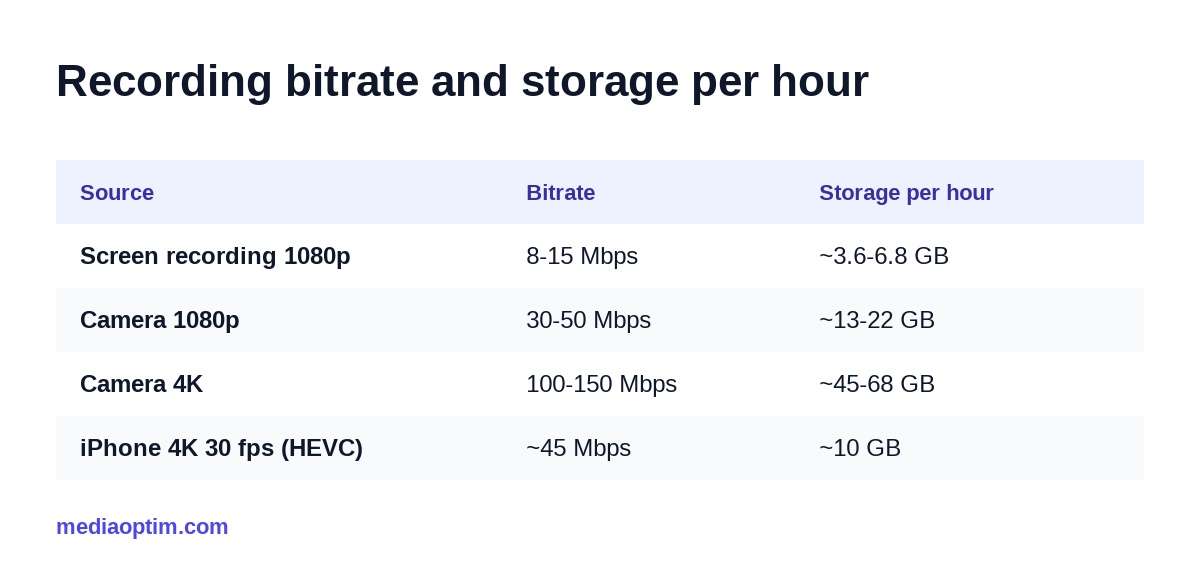
Recording bitrate and storage per hour
| Source | Bitrate | Storage per hour |
|---|---|---|
| Screen recording 1080p | 8-15 Mbps | ~3.6-6.8 GB |
| Camera 1080p | 30-50 Mbps | ~13-22 GB |
| Camera 4K | 100-150 Mbps | ~45-68 GB |
| iPhone 4K 30 fps (HEVC) | ~45 Mbps | ~10 GB |
Calculate Video Bitrate
Find the bitrate needed for your target size
Recording bitrate should be higher than delivery bitrate, because every edit and export compresses the video again. Once a project is finished, compressing the master to a delivery bitrate (8 Mbps for 1080p, 35-45 Mbps for 4K) reduces archive size by 70-90% without a visible change.
Frequently Asked Questions
What bitrate should I record 1080p video at?
30-50 Mbps for camera footage you will edit and 8-15 Mbps for screen recordings.
How much storage does 1 hour of 4K video take?
About 45-68 GB at camera bitrates of 100-150 Mbps, or around 10 GB for iPhone 4K at 30 fps in HEVC.
More video bitrate calculator guides
Need More Power?
Compress videos, photos & audio. HEVC, WebP, AVIF, FLAC support.
$14.99 one-time
Get MediaOptim for MacFree Up Phone Storage
Compress photos & videos directly on iOS and Android.
$4.99 one-time
Get MediaOptim MobileAlso available on mobile
Free Up Your iPhone & Android Storage
Compress on-device. No uploads. No subscriptions.