"Storage Almost Full" Sound Familiar?
Free up 5-10GB on your iPhone or Android in minutes. No subscriptions. No cloud uploads. Just more space.
One-time purchase. No subscription. No account needed.
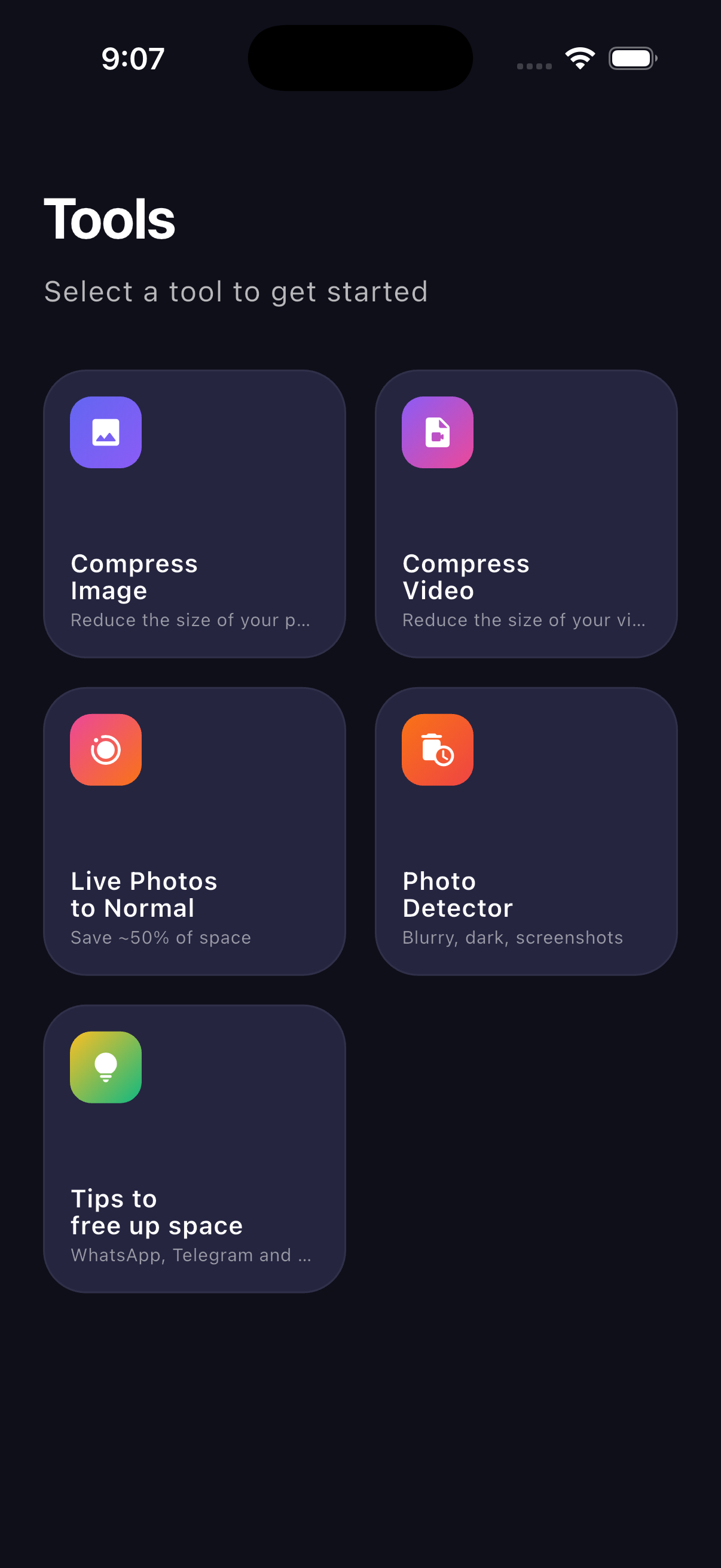
Home Screen
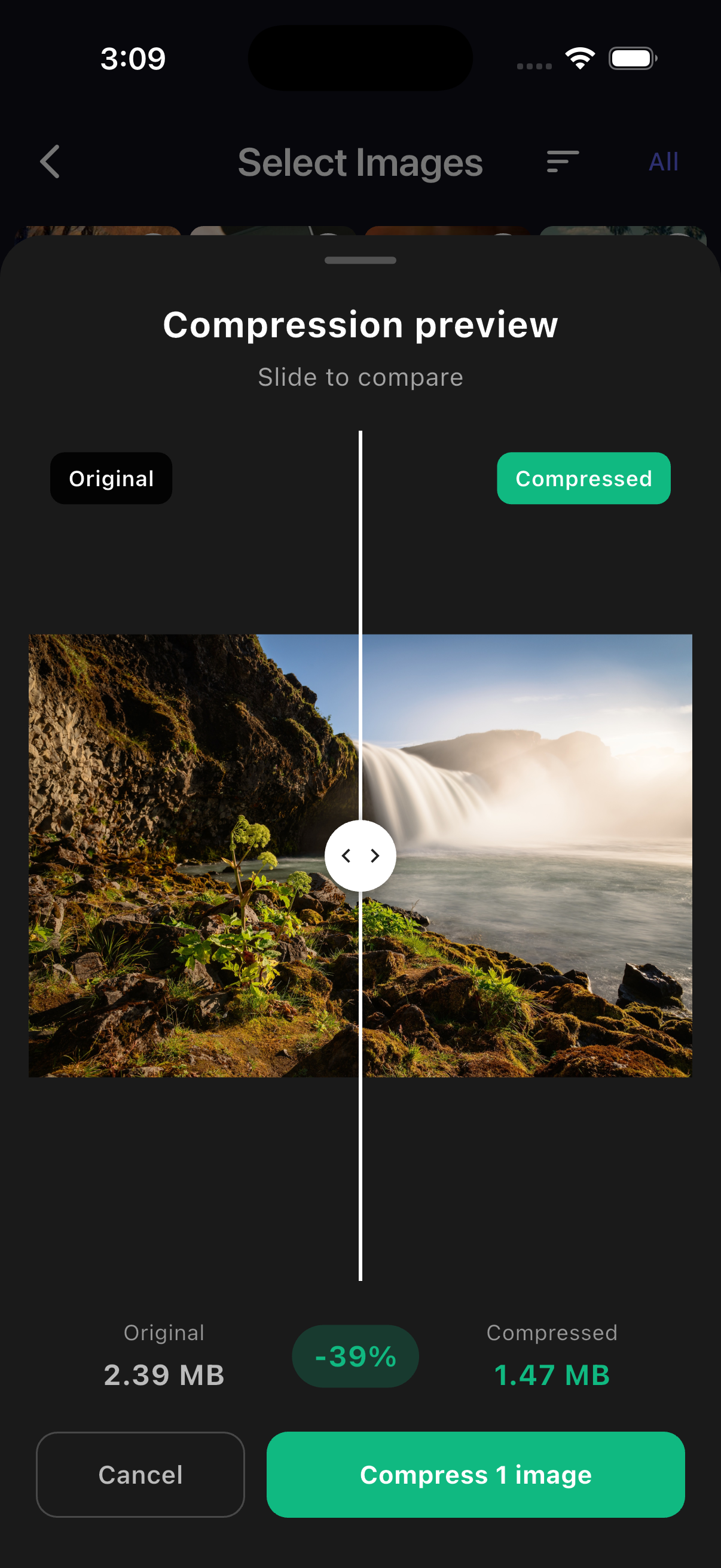
Compress Photos
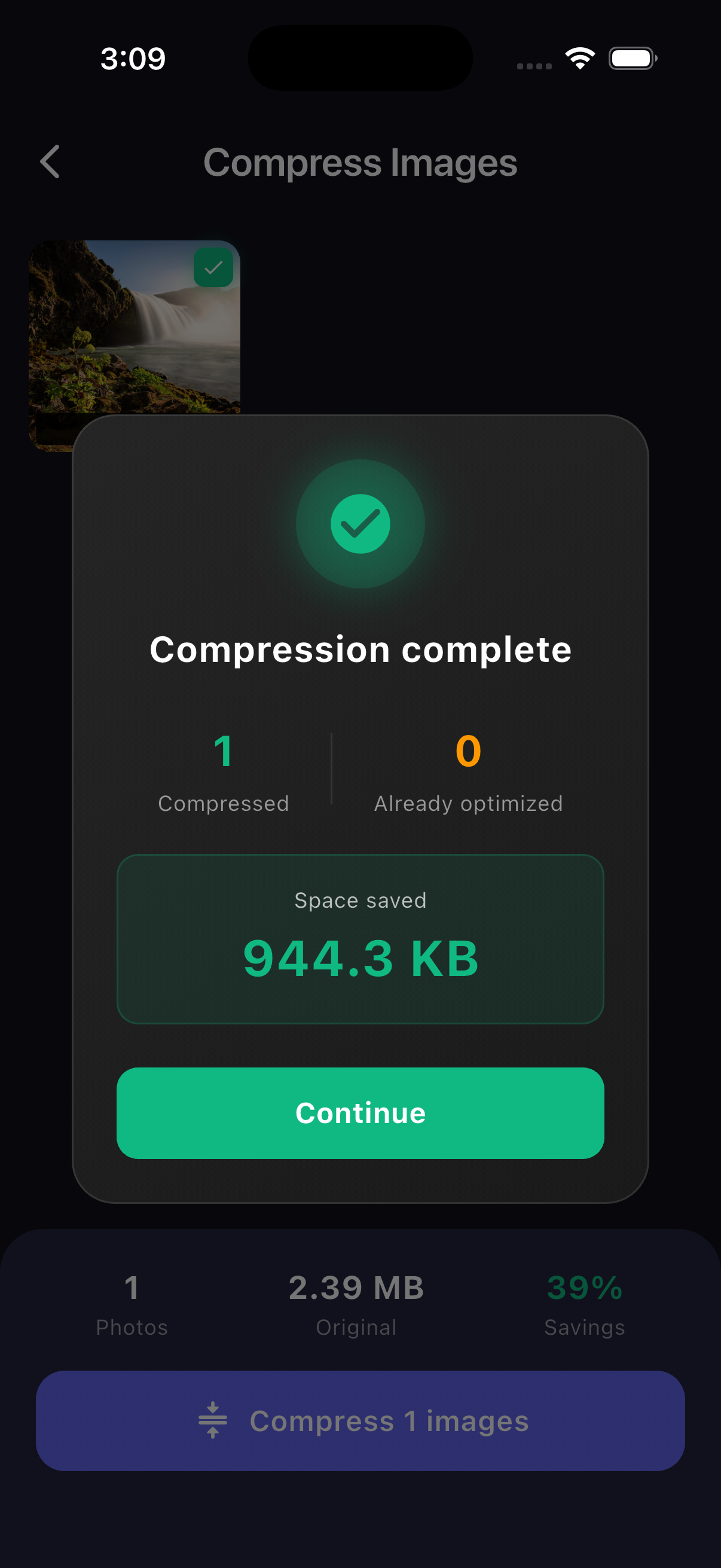
Find Junk Photos
Your Phone Can't Take Another Photo
You have thousands of photos and videos—years of memories you don't want to delete. iCloud wants $3/month forever just to store them. And your phone still says "Storage Full."
What if you could keep everything AND get 5-10GB back?
5 Tools to Free Up Space
Everything works on your phone. Nothing is uploaded anywhere.
Photo Compressor
Shrink your photos by 40-60% without losing quality. Can't tell the difference, but your storage can.
Video Compressor
Those 4K videos eating up space? Make them 50-70% smaller. Same quality, way less storage.
Live Photo Converter
Convert Live Photos to regular photos. Save ~50% space per photo while keeping the image.
Junk Photo Finder
Find blurry, dark, and overexposed photos automatically. Delete the bad ones in seconds.
Sort by Size
See which photos and videos take up the most space. iPhone doesn't show this—we do.
Storage Tips
Step-by-step guides to free up space in WhatsApp, Telegram, Netflix, and more.
Finally: Sort Photos by Size
Your phone doesn't let you see which photos and videos are eating up space. We show you exactly which files are the biggest—so you can free up gigabytes in minutes.
- See your largest videos instantly
- Find huge screenshots you forgot about
- Delete or compress the space hogs
Your Photos Stay on Your Phone
Nothing is uploaded. Nothing is shared. All compression happens locally on your device. We literally can't see your photos—and that's the point.
Simple Pricing. No Tricks.
One price. All features. Forever yours.
MediaOptim Pro
- Photo compressor (unlimited)
- Video compressor (unlimited)
- Live Photo converter
- Junk photo detector
- Sort by size feature
- Storage tips & guides
- All future updates
Costs less than 2 months of iCloud — and works forever.
Why Not Just Buy More iCloud?
iCloud is $36/year... forever
MediaOptim is $4.99 once. After 2 months, you're saving money.
iCloud needs internet
MediaOptim works completely offline. No WiFi? No problem.
iCloud uploads your photos to servers
MediaOptim keeps everything on your phone. True privacy.
Cancel iCloud and your space fills up again
MediaOptim actually makes files smaller. The savings are permanent.
Common Questions
Will my photos look worse after compression?
No. The compression is smart—it removes unnecessary data while keeping the visual quality. You'd need to zoom in really close to see any difference. For sharing, viewing, or printing, they look the same.
Is this safe? Will I lose my photos?
Completely safe. The app creates compressed copies—your originals stay untouched until you choose to replace them. We recommend keeping a backup of important photos (which you should do anyway!).
Do my photos get uploaded anywhere?
Never. Everything happens on your phone. Your photos don't leave your device. We can't see your photos even if we wanted to.
How much space can I actually save?
Most users save 5-10GB. If you have lots of videos or Live Photos, you might save even more. The app shows you exactly how much space you'll save before you compress anything.
Does it work on Android?
Yes! The app works on both iPhone (iOS 15+) and Android (8.0+). The Live Photo feature is iOS only since Android doesn't have Live Photos.
Ready to Free Up Your Phone?
Download MediaOptim and start freeing up space in minutes.
One-time purchase of $4.99
Need to free up space on your Mac? Check out MediaOptim for Mac →