Free Instagram Image Quality Checker - Optimize for Feed
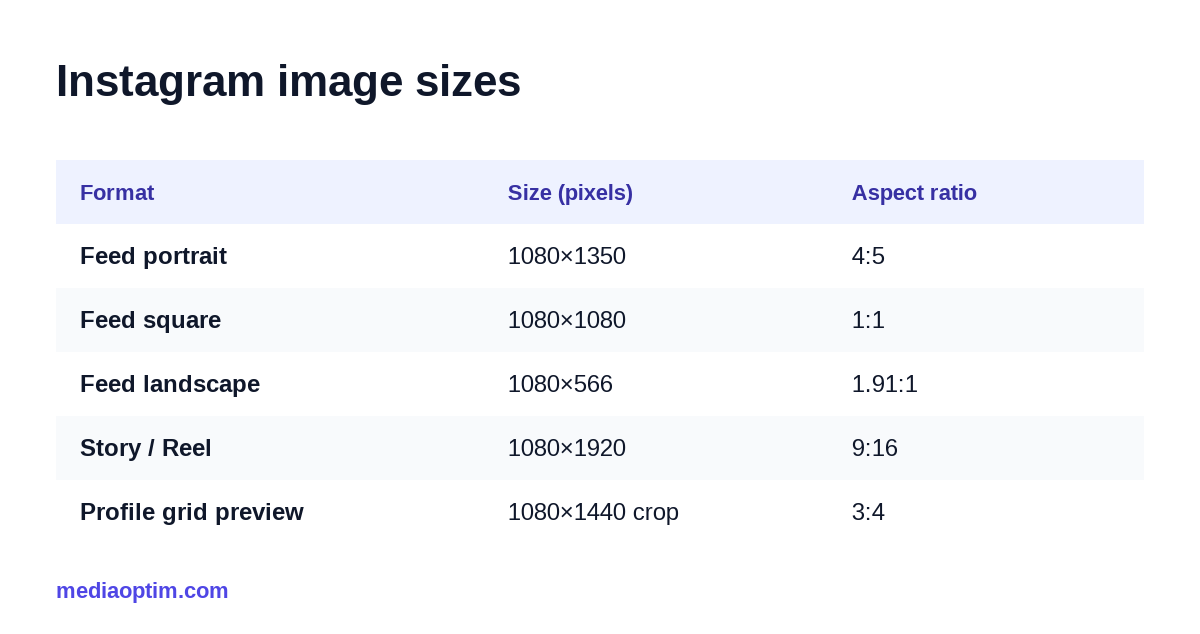
Instagram displays feed photos at 1080 pixels wide: 1080×1350 for portrait (4:5), 1080×1080 for square and 1080×566 for landscape. Images narrower than 320 pixels are enlarged and wider than 1080 are downscaled, so check your image’s dimensions here before posting.
Instagram image sizes
| Format | Size (pixels) | Aspect ratio |
|---|---|---|
| Feed portrait | 1080×1350 | 4:5 |
| Feed square | 1080×1080 | 1:1 |
| Feed landscape | 1080×566 | 1.91:1 |
| Story / Reel | 1080×1920 | 9:16 |
| Profile grid preview | 1080×1440 crop | 3:4 |
Drop an image here or click to browse
Up to 50MB — JPG, PNG, WebP, HEIC
Instagram recompresses every photo, so starting from exactly 1080 pixels wide avoids a second resize that softens detail. Keep important content inside the 3:4 center area, because the profile grid crops portrait posts to that shape.
Frequently Asked Questions
What is the best image size for Instagram?
1080×1350 (4:5) for feed posts, since it takes up the most screen space.
Why do my photos look blurry on Instagram?
Instagram resizes and recompresses uploads. Uploading at 1080 pixels wide in sRGB and under about 8 MB keeps the result sharper.
More image quality checker guides
Need More Power?
Compress videos, photos & audio. HEVC, WebP, AVIF, FLAC support.
$14.99 one-time
Get MediaOptim for MacFree Up Phone Storage
Compress photos & videos directly on iOS and Android.
$4.99 one-time
Get MediaOptim MobileAlso available on mobile
Free Up Your iPhone & Android Storage
Compress on-device. No uploads. No subscriptions.