Free PNG to WebP Converter - No Quality Loss, Smaller Size
For PNG to WebP, quality 80-85 is the usual sweet spot for photos: about the same visual quality as the original at a much smaller size. Use 90 for detailed product or photography images, and lossless for logos, screenshots and graphics with text.
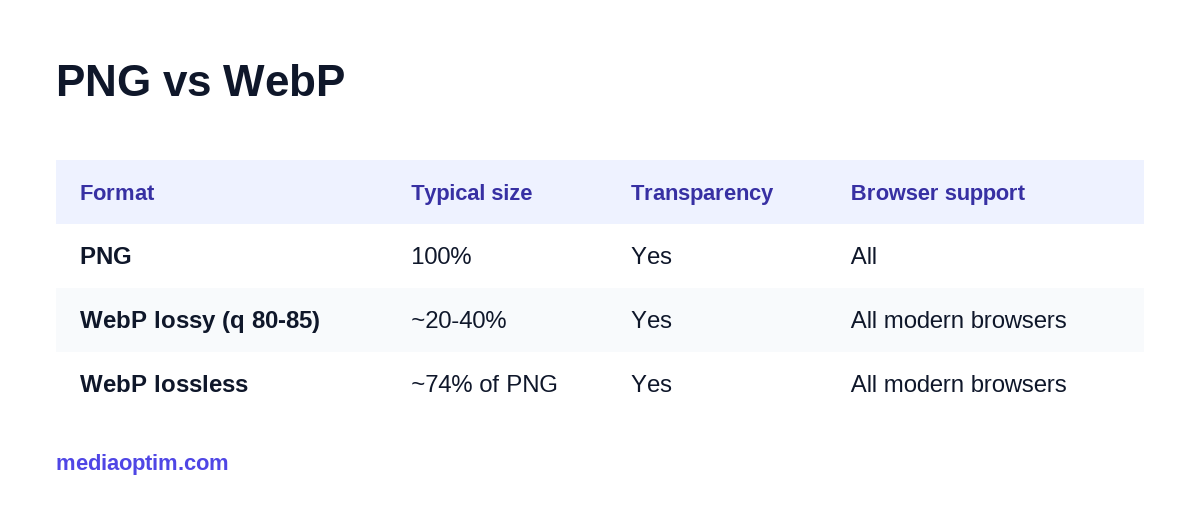
PNG vs WebP
| Format | Typical size | Transparency | Browser support |
|---|---|---|---|
| PNG | 100% | Yes | All |
| WebP lossy (q 80-85) | ~20-40% | Yes | All modern browsers |
| WebP lossless | ~74% of PNG | Yes | All modern browsers |
Drop PNG files here or click to browse
Up to 50MB each — unlimited files
Lower WebP quality first softens fine texture and smooth gradients like skies. Check a converted image at 100% zoom before converting a whole batch, and pick the lowest setting where you cannot see a difference.
Frequently Asked Questions
What WebP quality should I use?
80-85 for most photos, 90 for detailed images, and lossless for graphics, text and screenshots.
Is WebP lower quality than PNG or JPG?
Not at sensible settings. Lossless WebP is pixel-identical, and lossy WebP at 80-90 looks the same as a JPG at similar quality while being smaller.
More png to webp converter guides
Need More Power?
Compress videos, photos & audio. HEVC, WebP, AVIF, FLAC support.
$14.99 one-time
Get MediaOptim for MacFree Up Phone Storage
Compress photos & videos directly on iOS and Android.
$4.99 one-time
Get MediaOptim MobileAlso available on mobile
Free Up Your iPhone & Android Storage
Compress on-device. No uploads. No subscriptions.