Free HEIC to JPG for Sharing - Universal Compatibility
HEIC photos often fail to open on Windows PCs, older Android phones, websites and many upload forms. Converting them to JPG before sharing makes sure everyone can see them. At quality 85-90, the JPG looks the same and stays a reasonable size for email and chat.
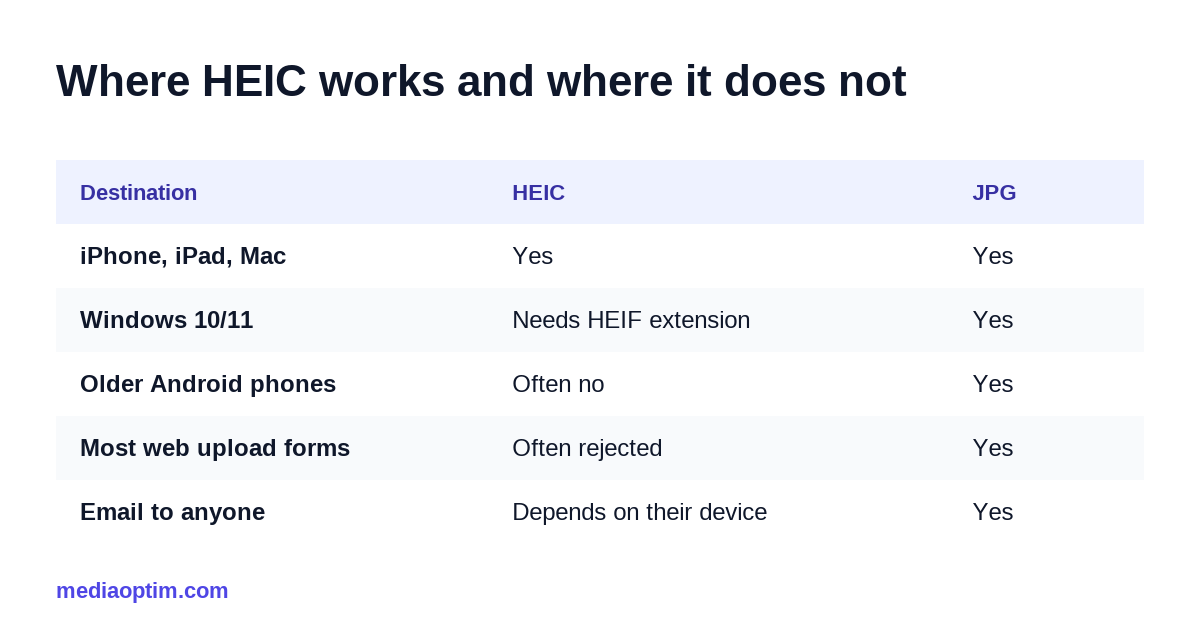
Where HEIC works and where it does not
| Destination | HEIC | JPG |
|---|---|---|
| iPhone, iPad, Mac | Yes | Yes |
| Windows 10/11 | Needs HEIF extension | Yes |
| Older Android phones | Often no | Yes |
| Most web upload forms | Often rejected | Yes |
| Email to anyone | Depends on their device | Yes |
Drop HEIC files here or click to browse
Up to 50MB each — unlimited files
When you send photos from an iPhone through Mail, Messages or AirDrop to non-Apple devices, iOS often converts them automatically. Files copied over USB, cloud drives or some apps stay HEIC, which is when recipients see a file they cannot open.
Frequently Asked Questions
Why can’t people open my iPhone photos?
They are in HEIC format, which some Windows PCs, Android phones and websites do not support. Converting to JPG fixes it.
What quality should I use for sharing?
Quality 85-90 keeps photos looking identical while keeping files small enough for email and messaging.
More heic to jpg converter guides
Need More Power?
Compress videos, photos & audio. HEVC, WebP, AVIF, FLAC support.
$14.99 one-time
Get MediaOptim for MacFree Up Phone Storage
Compress photos & videos directly on iOS and Android.
$4.99 one-time
Get MediaOptim MobileAlso available on mobile
Free Up Your iPhone & Android Storage
Compress on-device. No uploads. No subscriptions.